Introducing IOX-KEYBOX
Digital Vehicle Access combined with Telematics
The IOX-KEYBOX locks your key fob inside a smart enclosure connected to your GO device — Fast Installation, No Soldering
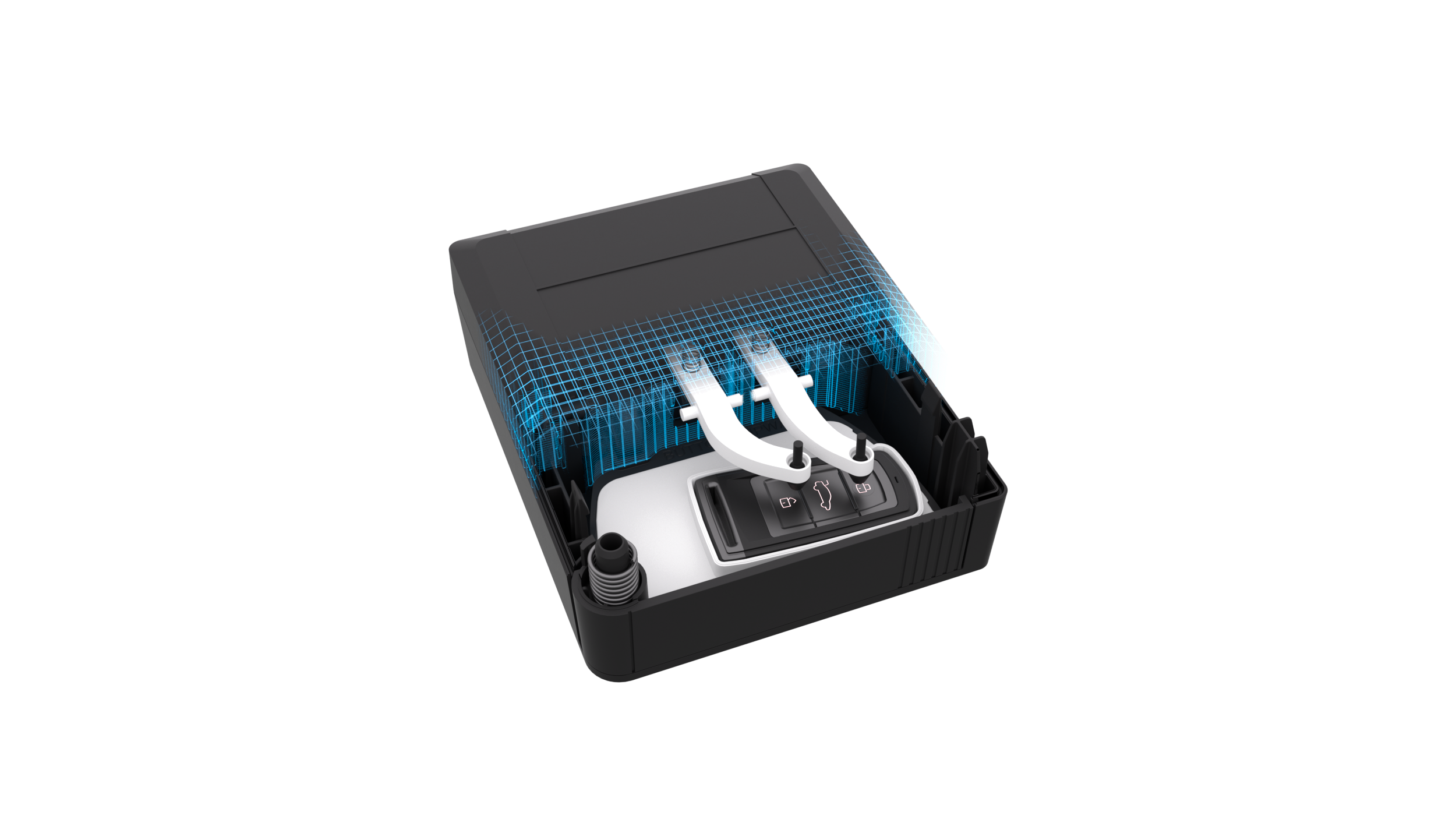
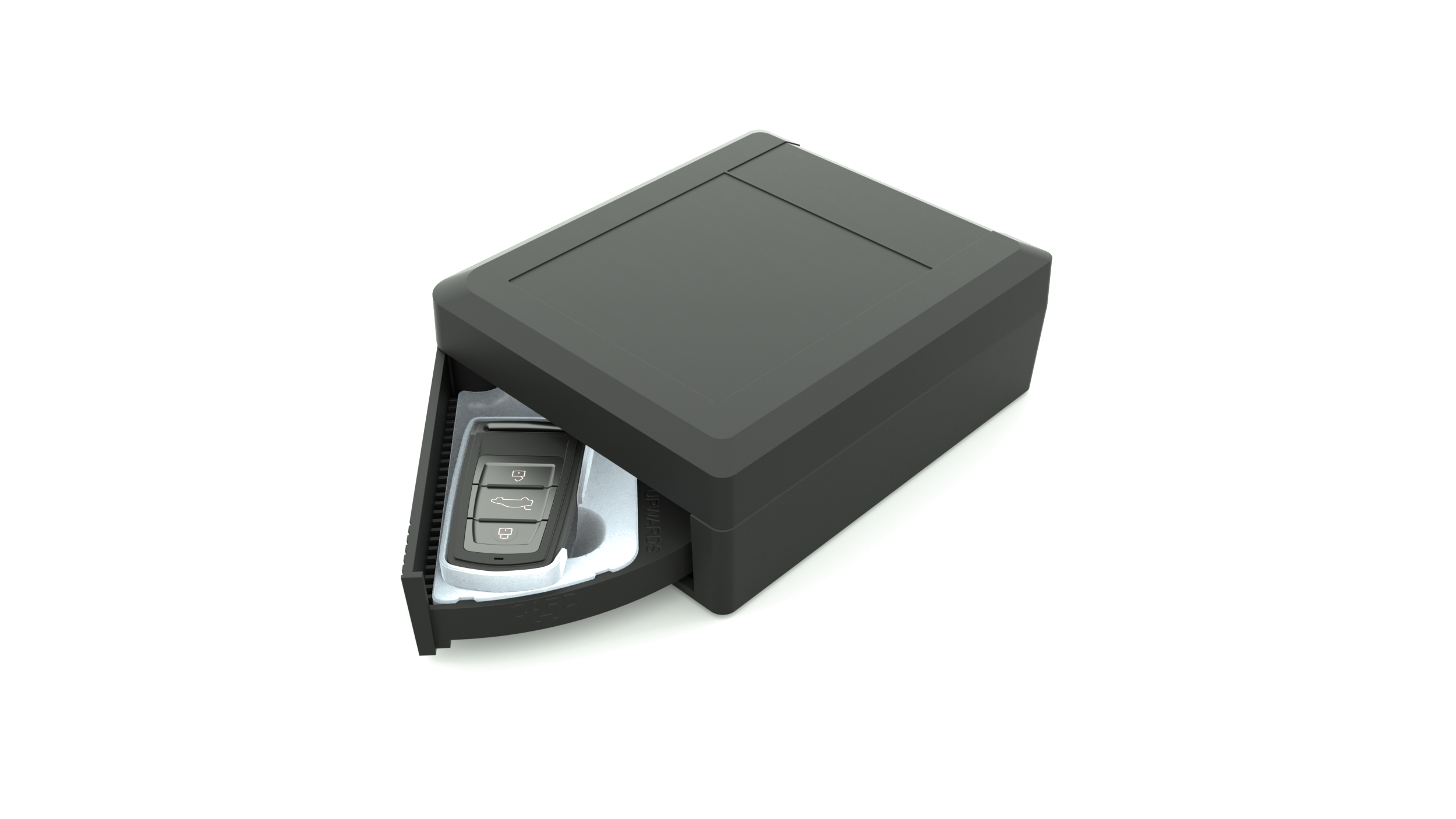
The IOX-KEYBOX locks your key fob inside a smart enclosure connected to your GO device — Fast Installation, No Soldering
A smart enclosure that connects directly with the GO device — enabling secure, trackable fleet access without duplicate keys. The vehicle itself acts as a Faraday cage, blocking relay attacks and signal spoofing by design.
Four steps from selecting your variant to granting your first driver access.
Choose the flow that fits your operation — physical key access for your drivers, or a fully digital hands-free journey.
Drivers take the key fob physically for their drive and return it after. The box validates the return.
The key fob stays in the box permanently. Drivers never touch the key — access is granted and revoked digitally.
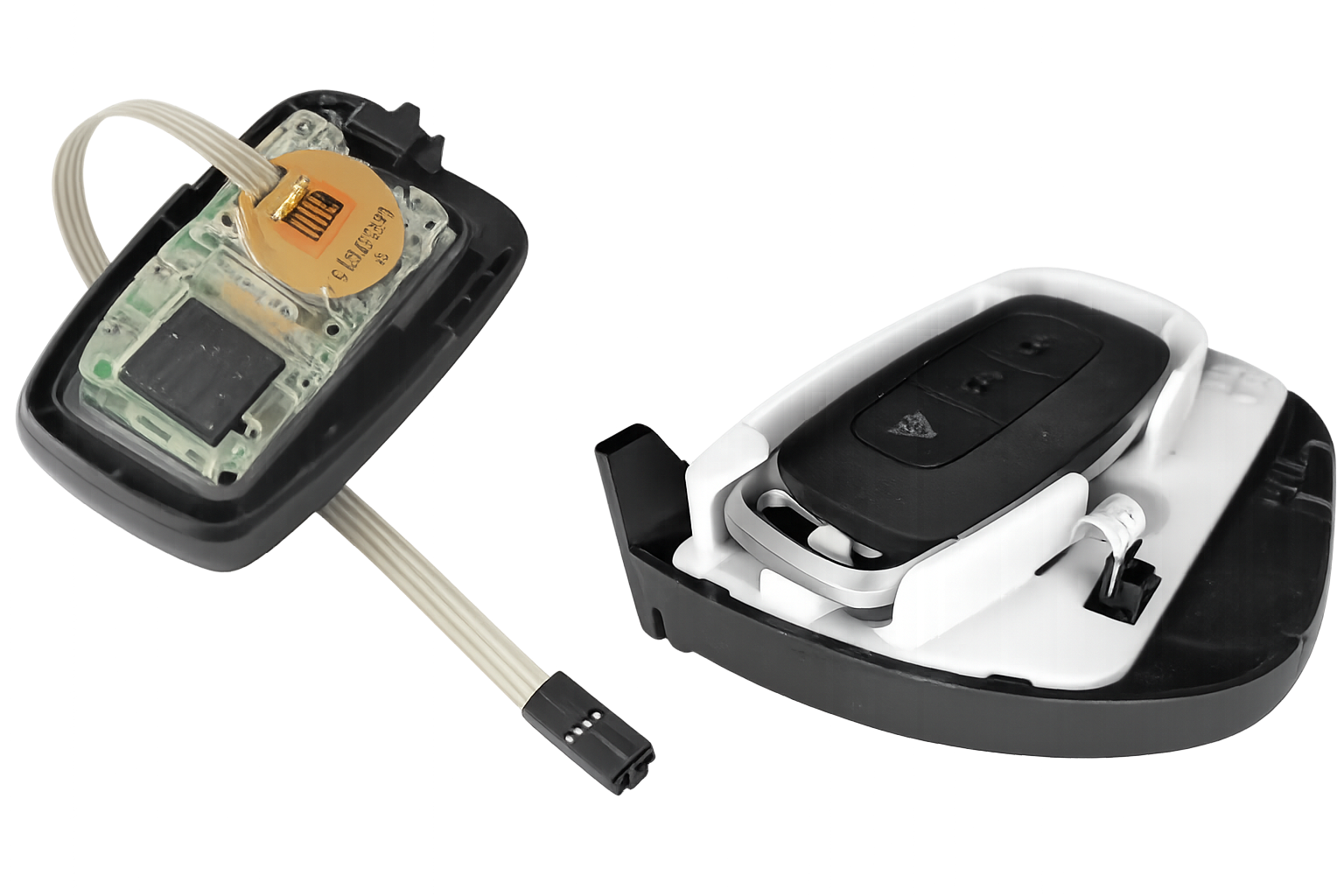
The Keybox's tray and mechanical arms need to fit your key fob. Make sure to look at the position of the key fob buttons — then you are covered.
Compare your fob's shape and button layout to the diagrams below, then check off the list on the right before opening the catalog.
Each Keybox variant has a custom-molded tray and actuating levers designed for a specific key fob shape. The levers must align with your fob's lock and unlock buttons. Focus on the fob shape and button positions when browsing the catalog.
Different fobs use different button layouts. The catalog shows reference photos for each variant — compare the Lock and Unlock positions on your fob to find the right match.
Checklist complete? Open the catalog to confirm your variant and share it with your Geotab partner.
Open Keybox CatalogEach IOX-KEYBOX ships with everything needed for a complete installation — no separate accessory orders required.
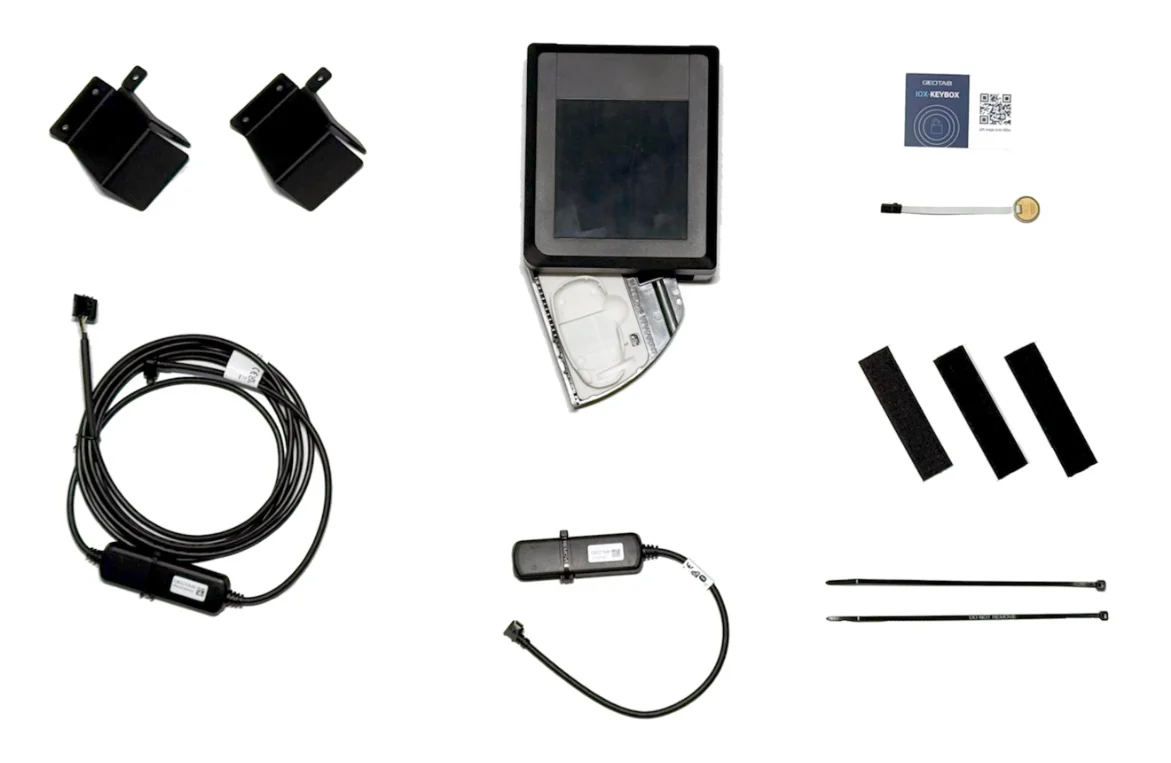
Catalog, installation guide, video walkthrough, and technical specs — everything you need in one place.
Once you've identified your Keybox type, browse the catalog to confirm and share your selection with your Geotab partner to complete the order.